Changelog
Version History
Follow the evolution of genvi as we build the world's most powerful collaborative, node-based multimodal AI workspace.
Apps 1.0
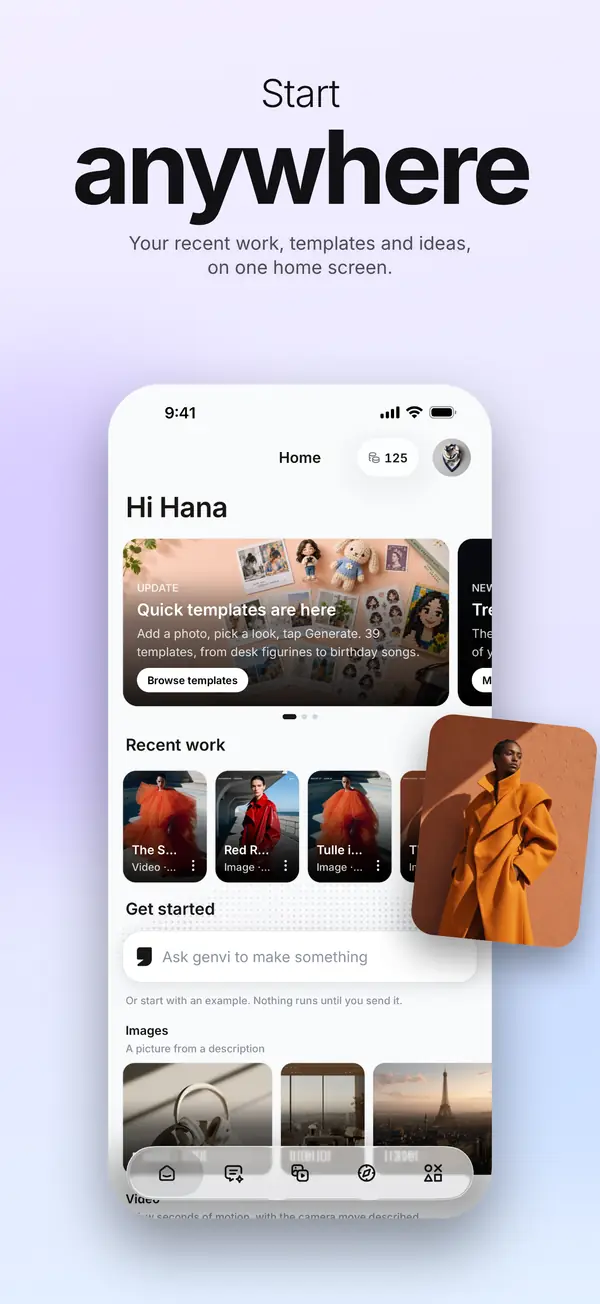
The first genvi apps for iPhone, iPad and Android. They sign in to the same account as genvi.co and spend the same credits, so your projects, files and chats are already there. Get them from genvi.co/apps.
Five tabs
- Home: a prompt box, your recent work across chats, images and videos, and a few ways to start.
- Chat: describe what you want and get pictures, video clips, music and voice back in the conversation. Reply to change it.
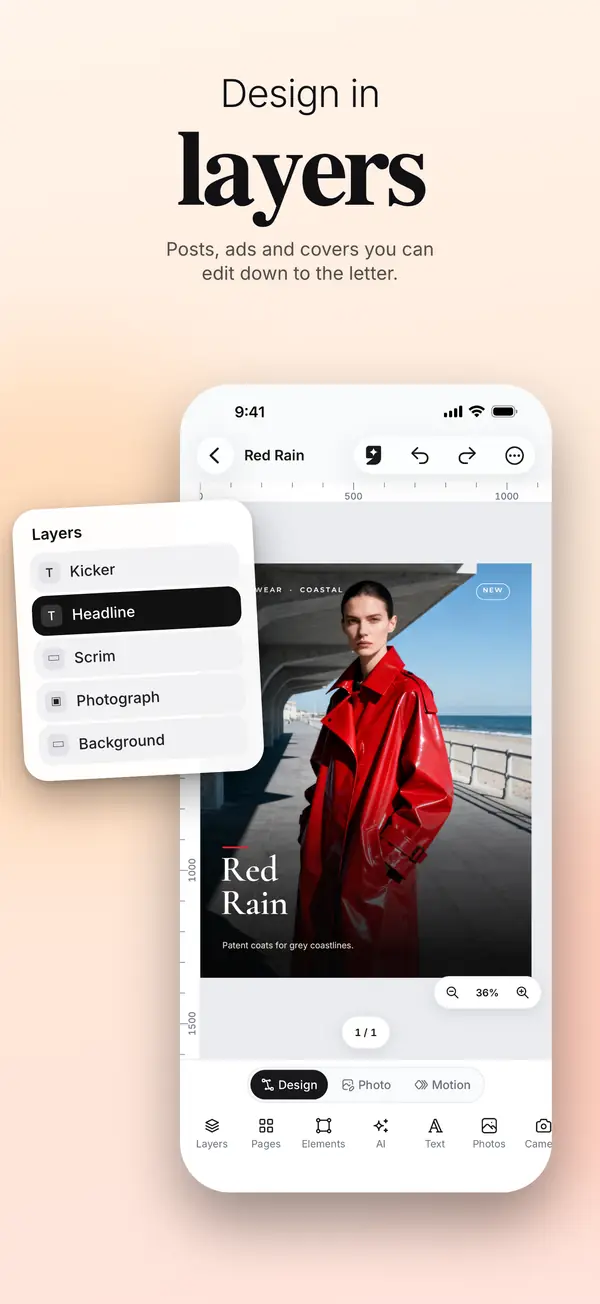
- Image: the Image Composer, with layers, text, photos, masks and generation on the layer you choose.
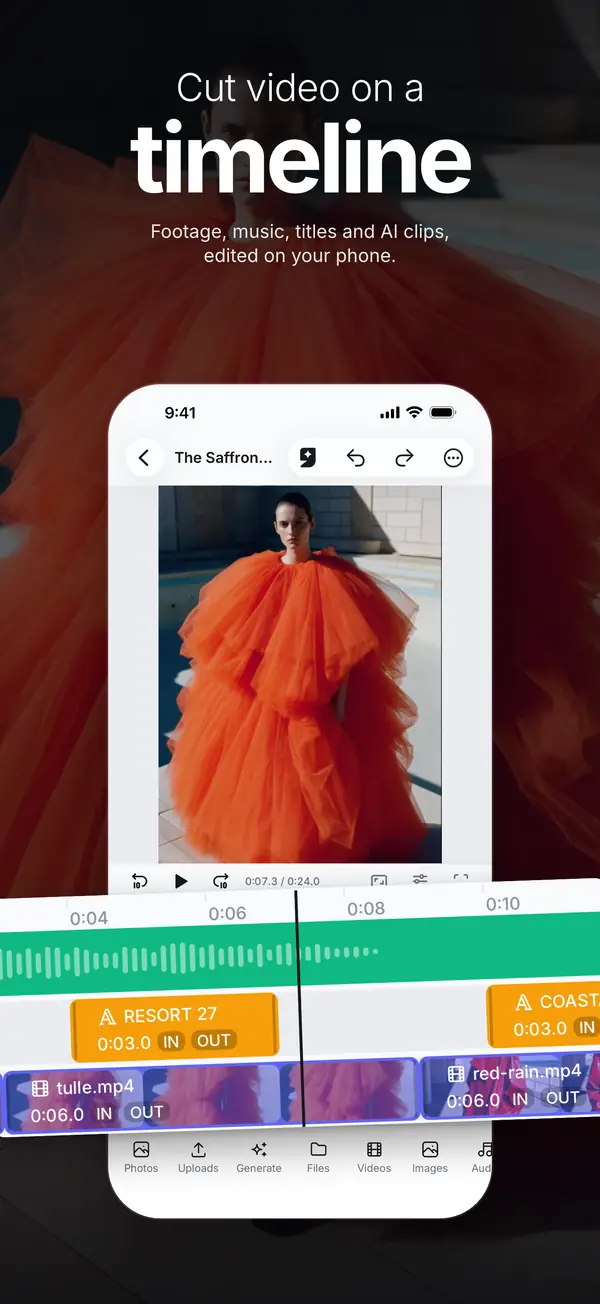
- Video: the Video Composer, a timeline for footage, music, titles and generated clips.
- Studios: your Library, References and Tools. Node Studio, 3D Studio and the Whiteboard open on genvi.co.
Genvi Agent
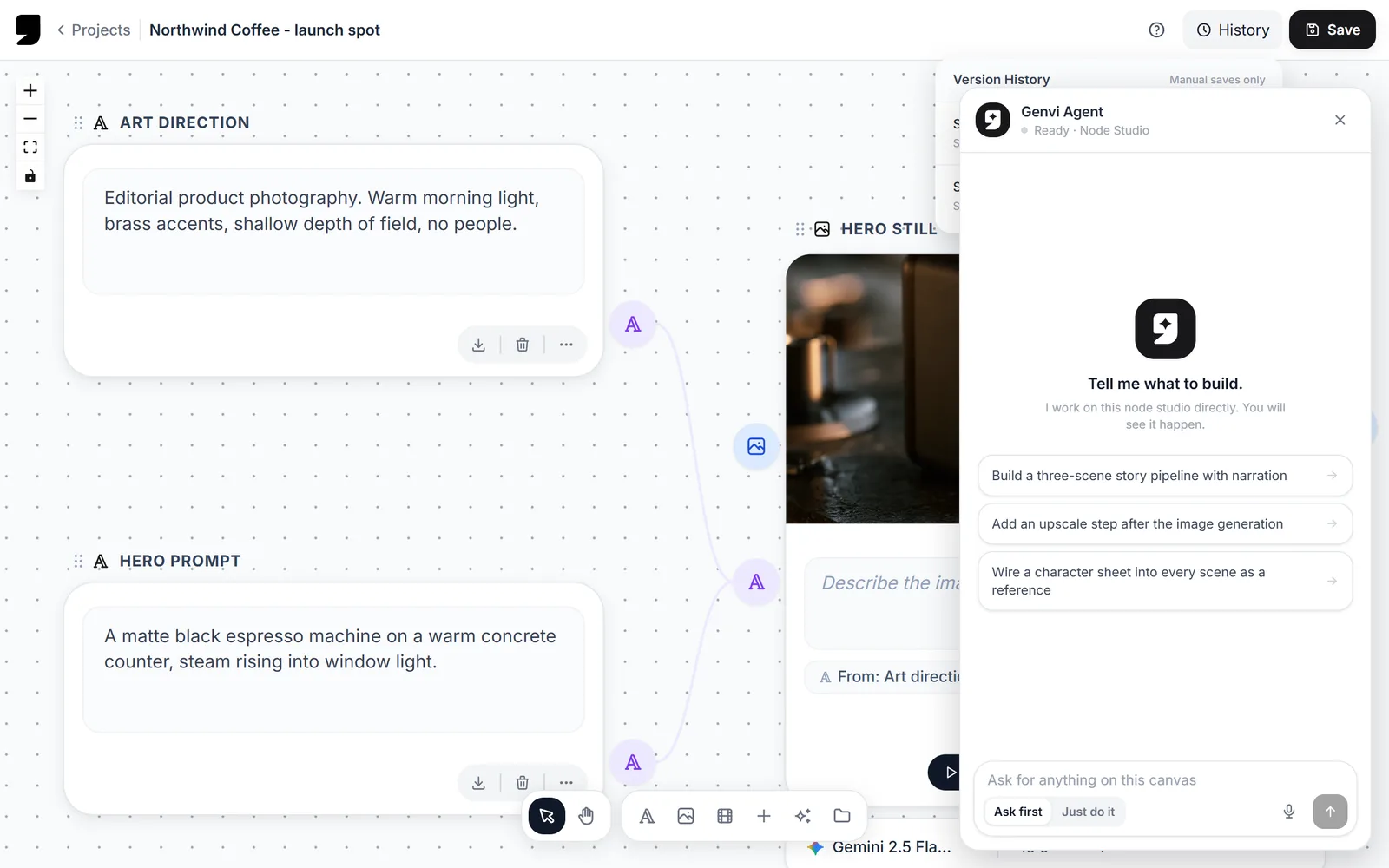
- Ask the agent to make a change in either composer and it does it with the same tools you have, in your undo history.
- Anything that spends credits asks first, unless you tell it not to.
Library, references and templates
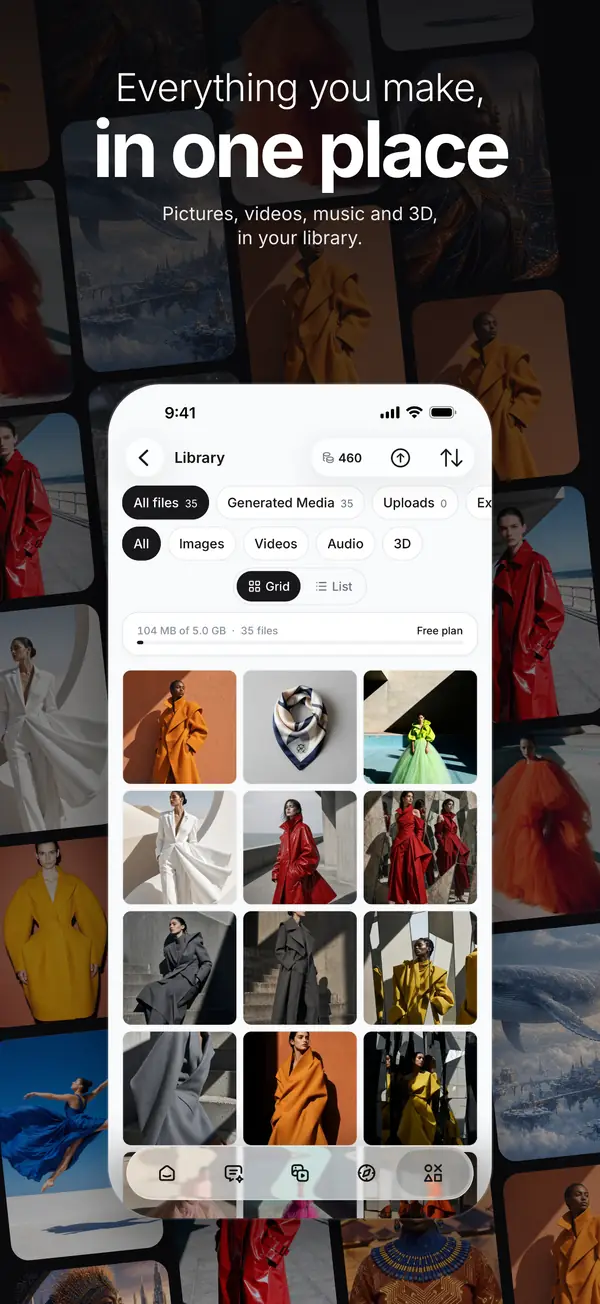
- Everything on your account, uploaded or made, on the web or the phone, sorted and filtered by kind.
- Mention a saved reference by name in any prompt, the same as on the web.
- Quick templates: add a photo, pick a look, and generate. No prompt to write.
Explore
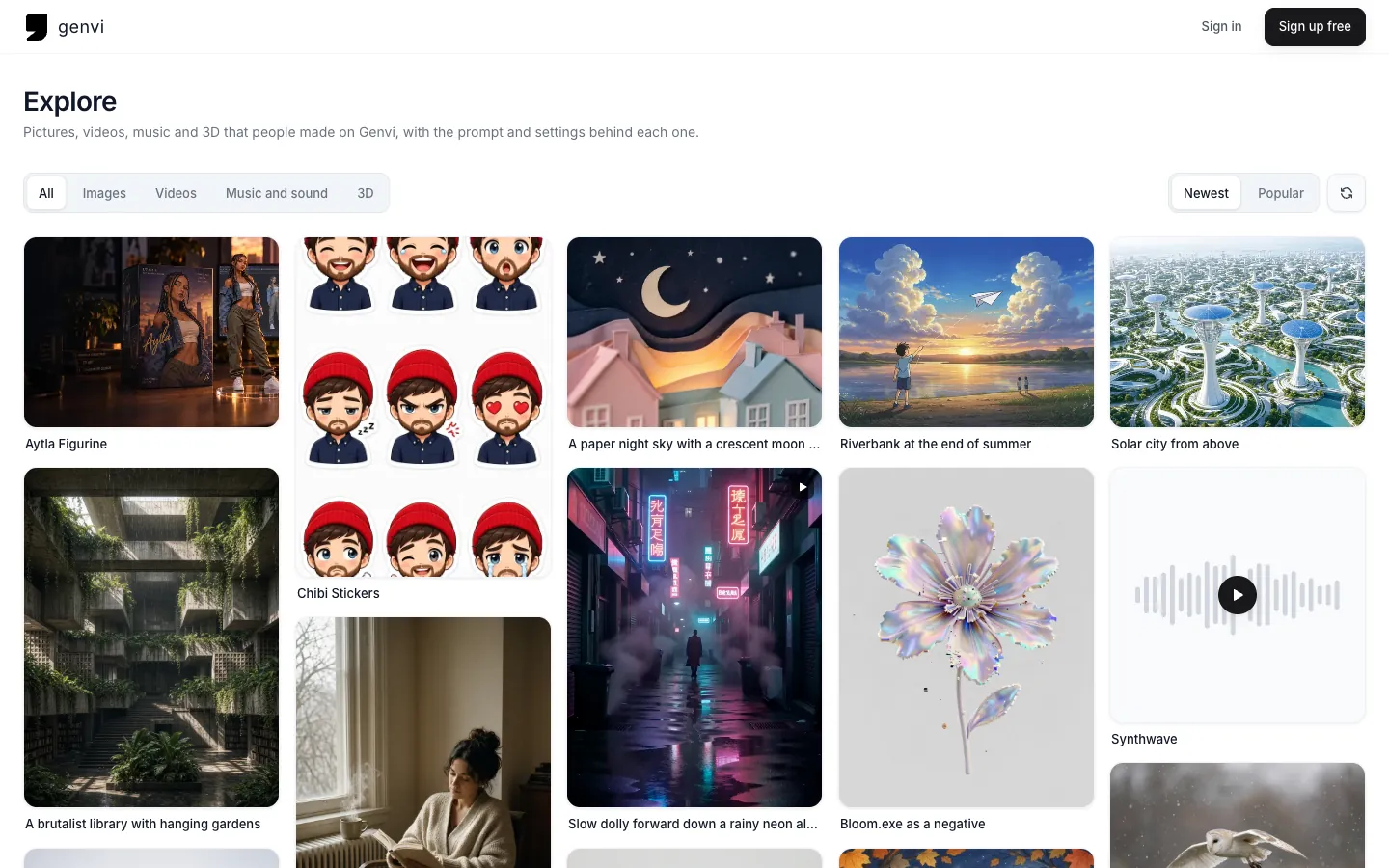
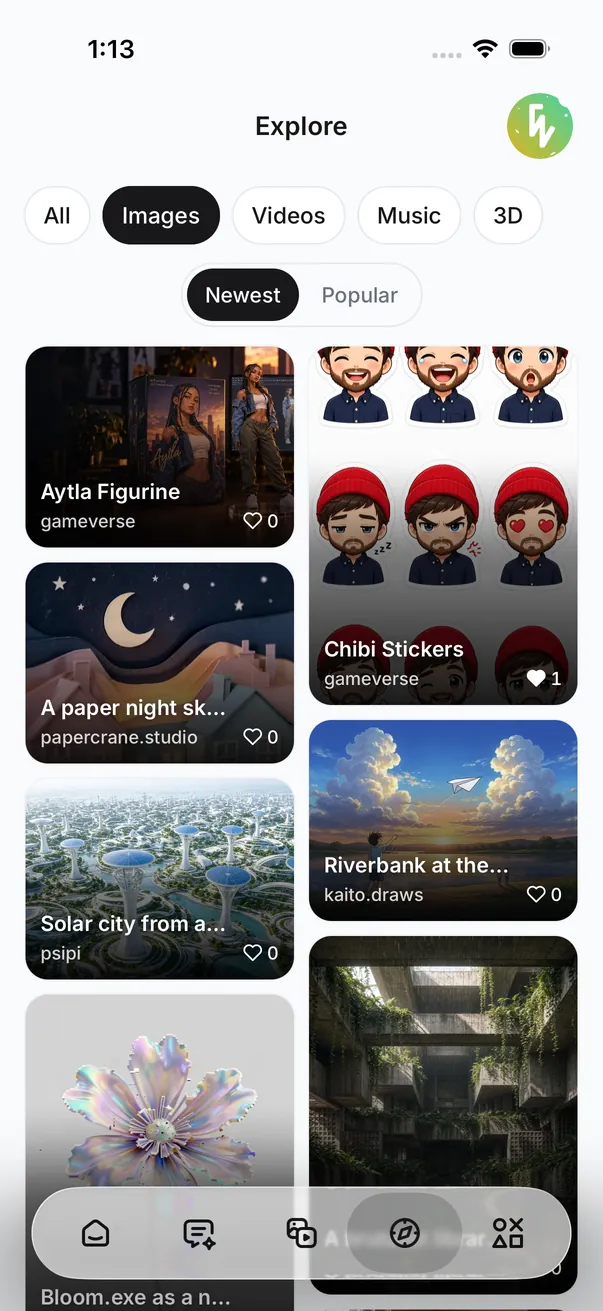
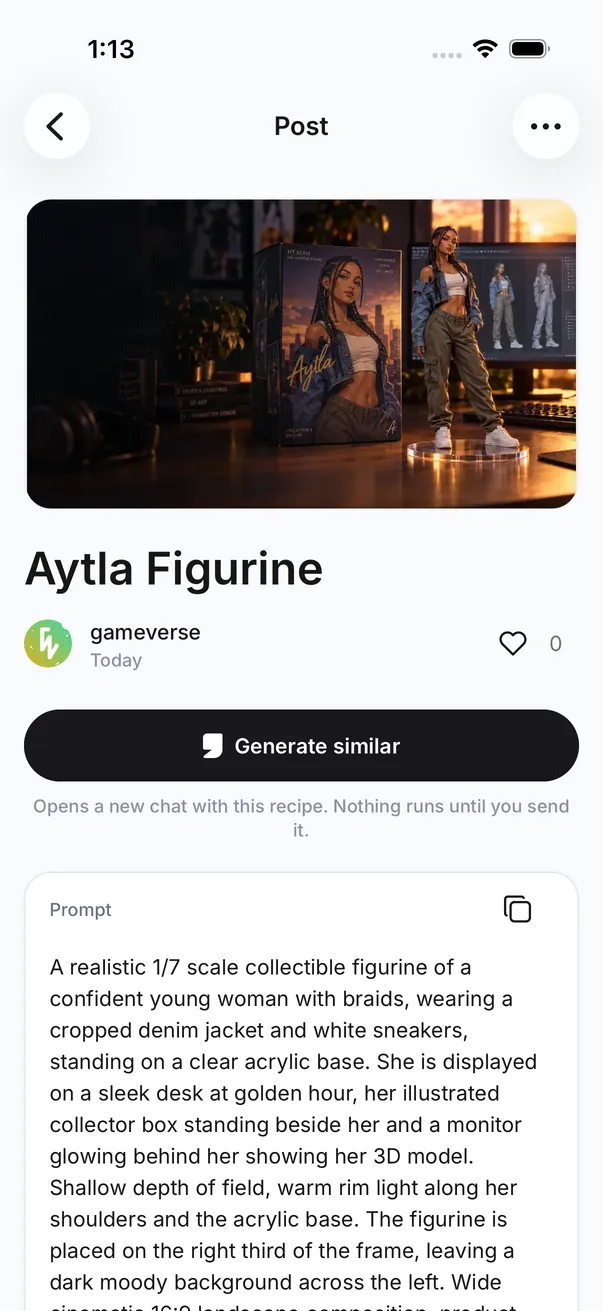
- Browse what people make on genvi, with the prompt and settings behind each post, and generate similar in one tap.
- Share your own results, like posts and open a creator's page.
- Report a post, hide it, or block its creator. Hidden posts and blocked creators stay out of your feed.
Plans and credits
- One credit balance with genvi.co. Credits bought in either place spend in both.
- Plans and credit packs in the app are bought through the App Store or Google Play and managed there.
- If you subscribe on genvi.co, your plan works in the app as it is, and you keep managing it on the web.
Account and privacy
- Sign in with email or Google, and with Apple on iPhone and iPad.
- Before your first generation the app asks whether you agree to your prompts and files being sent to the AI providers that make the result. Nothing is sent until you do.
- Notifications when a generation finishes or fails, with separate switches for Generations, Credits and account, and Tips and offers. Tips and offers stay off unless you turn them on.
- Delete your account from Account, then Your data. Details are at genvi.co/delete-account.
v0.7.5
See what people are making on genvi, and exactly how they made it. Every post on Explore comes with its prompt, its model and its settings, and one click puts that recipe in your own prompt box. Also new: an Auto that can save you credits, a picture for every 3D model, and a first look at Explore in the genvi apps.
Explore
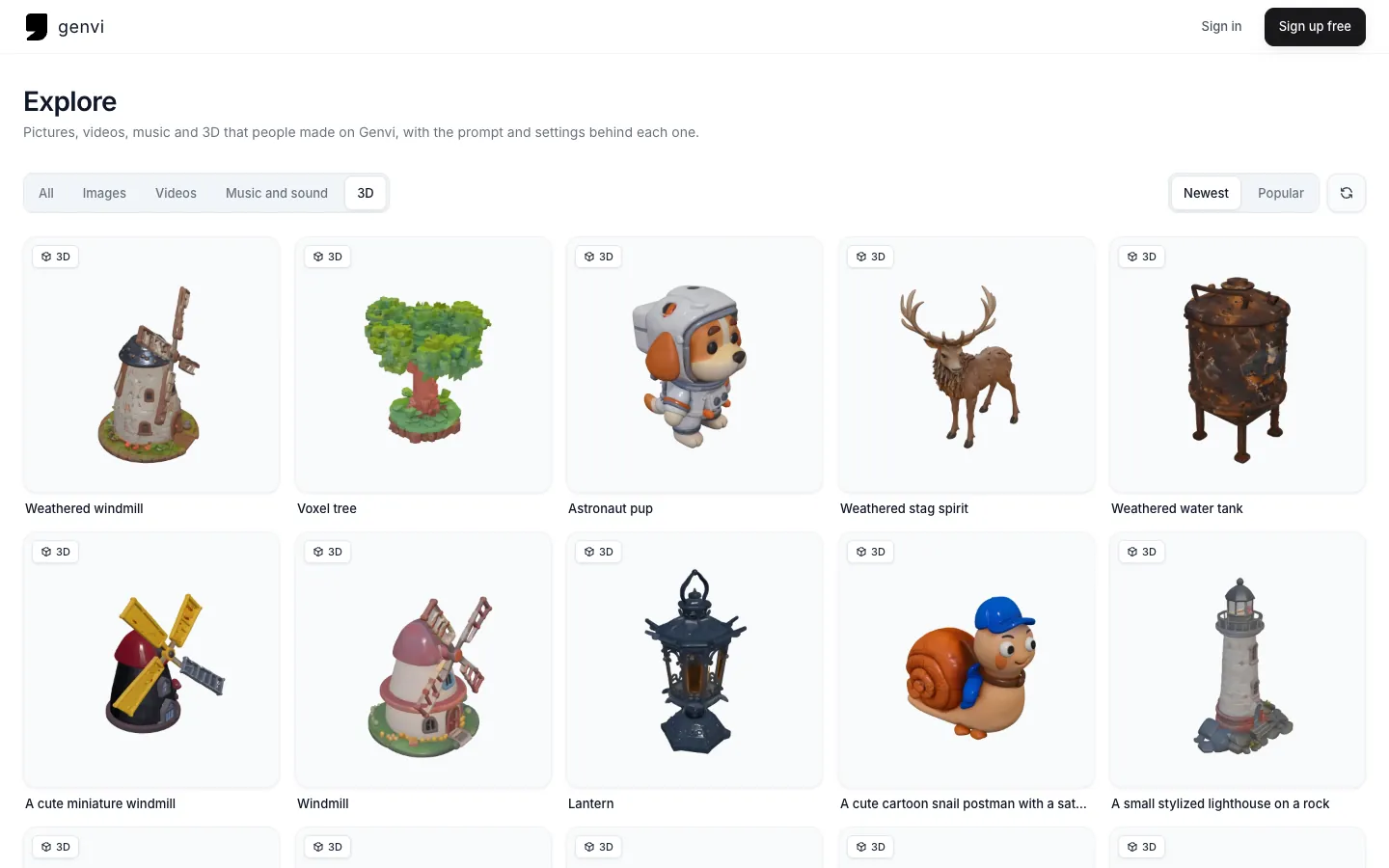
- A new place in the dashboard, right under Home: pictures, videos, music and 3D that people made on genvi, each with the prompt, the model and the settings behind it.
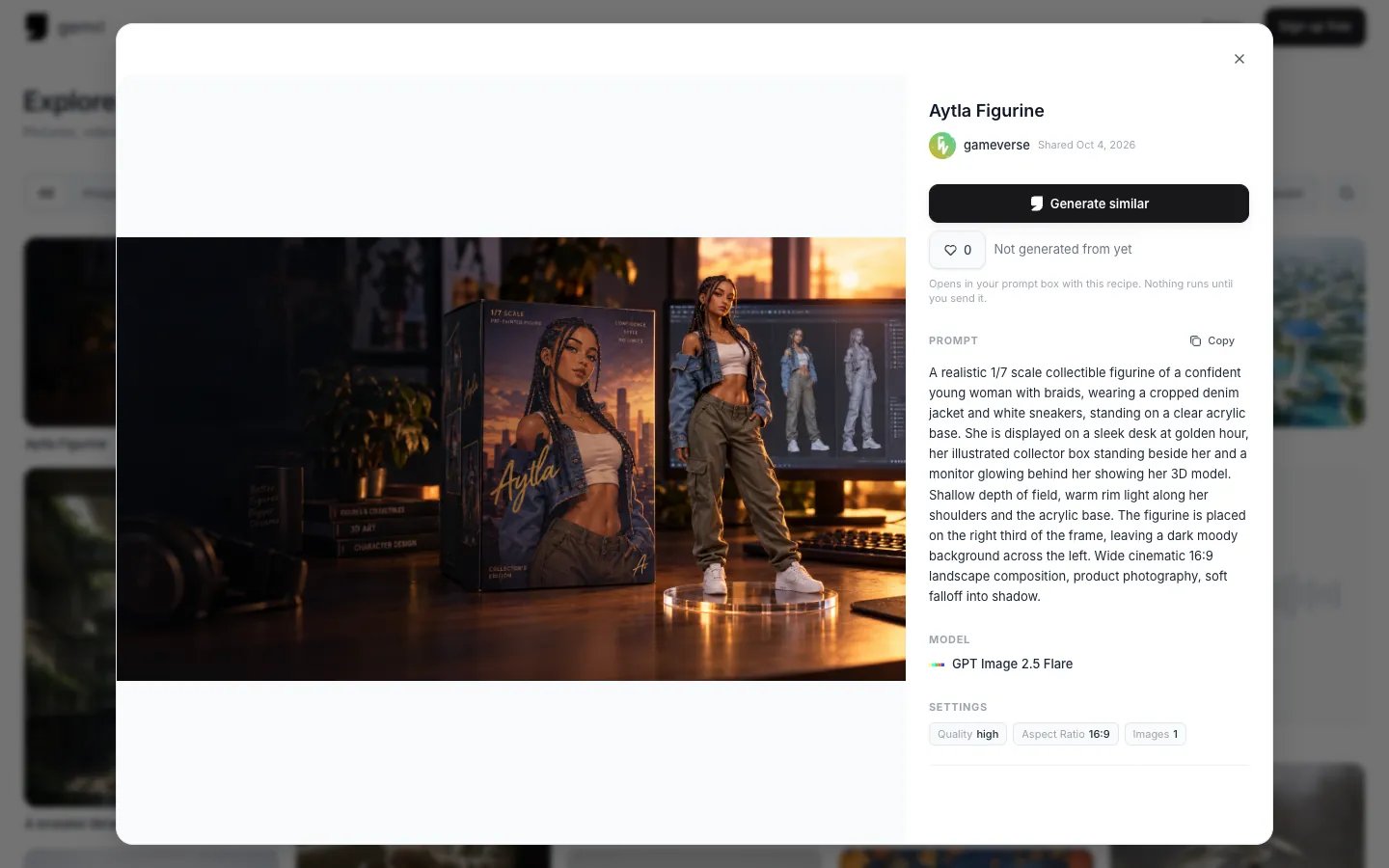
- Generate similar puts a post's recipe in your prompt box, kind, model and settings included. Change what you like. Nothing runs until you send it.
- Share to Explore from any Chat result or generated file. Keep your prompt to yourself if you prefer, and include your reference images only if you choose to. Unshare any time.
- Like what you love, see how many people made something from a post, and open a creator's page to see everything they have shared.
- Browse images, videos, music and sound, or 3D, newest first or most liked. Tiles come in three shapes, portrait, square and landscape, so work is shown the way it was made.
- Spot something that should not be there? Report it with a reason and we will take a look.
What is new, on Home
- A carousel on Home now carries what is new, from features to offers, so you hear about it where you work.
Auto, your way
- When Auto picks the model, tell it what matters: Best overall, Best quality, or Lowest cost. Your choice is remembered for the next chat.
- Genvi Agent knows which models are currently best at what, so its picks stay current as new models arrive.
A picture for every 3D model
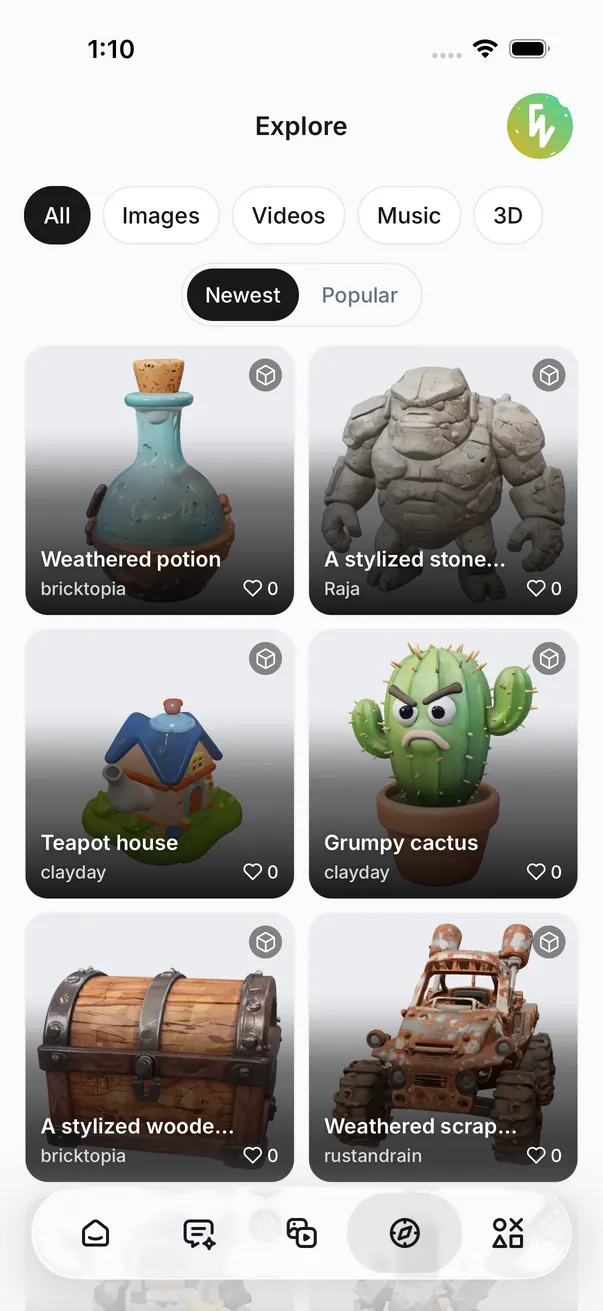
- Every 3D model in your files and on Explore now shows a render of itself instead of a placeholder.
- New models get theirs the moment they are made, whichever 3D model made them.
Faster pictures everywhere
- Thumbnails are resized to a few standard sizes and cached once, so grids and lists load faster and use less data.
- Animated GIFs keep playing in your files instead of turning into stills.
Image Composer masks
- Use any layer as a mask for the layer below it. The mask sits on top in the Layers panel and the masked layer is marked with an arrow, so the order always reads the same way.
Fixes and improvements
- Every model now takes as many reference images as it can actually use, and extra ones are left out with a note instead of failing the run.
- The storage line counts your files the same way All files does, and no longer counts the hidden files genvi keeps for history and thumbnails.
- Reaching your plan's project limit now offers a way to upgrade instead of a dead end.
- Luma Ray 2 Flash offers only the aspect ratios it supports.
- The Creative Blueprint no longer appears twice in Node Studio.
- Uploads, imports and very long prompts are checked more carefully before they reach a model.
Explore on genvi for iPhone and Android
- The genvi apps have their own release notes now: see genvi for iPhone and Android 1.0, and get them at genvi.co/apps.
- Explore is in the apps too: browse, like, share your results and generate similar from your phone.
- Quick templates: add a photo, pick a look, generate. No prompt to write: desk figurines, studio headshots, sticker sheets, product shots and more.
- Signed in to the same account, your files, references and tools come with you, and anything you start on one device is waiting on the other.
v0.7
Two ways to stop repeating yourself. Genvi Agent works your canvas directly while you watch, and the Reference Library lets you describe a character, a product or a look once and then call it by name in any prompt, on any canvas.
Genvi Agent
- Ask for the thing, not the steps. "Add a title card and a call to action at the end" is a complete instruction.
- It works where you are: Node Studio, both composers, the whiteboard and 3D. Every edit lands in your undo history, because it uses the same controls you do.
- Anything that spends credits or deletes work stops and asks first. Leave it on Ask, or let it run.
- Reach it from any canvas with Ctrl+J.
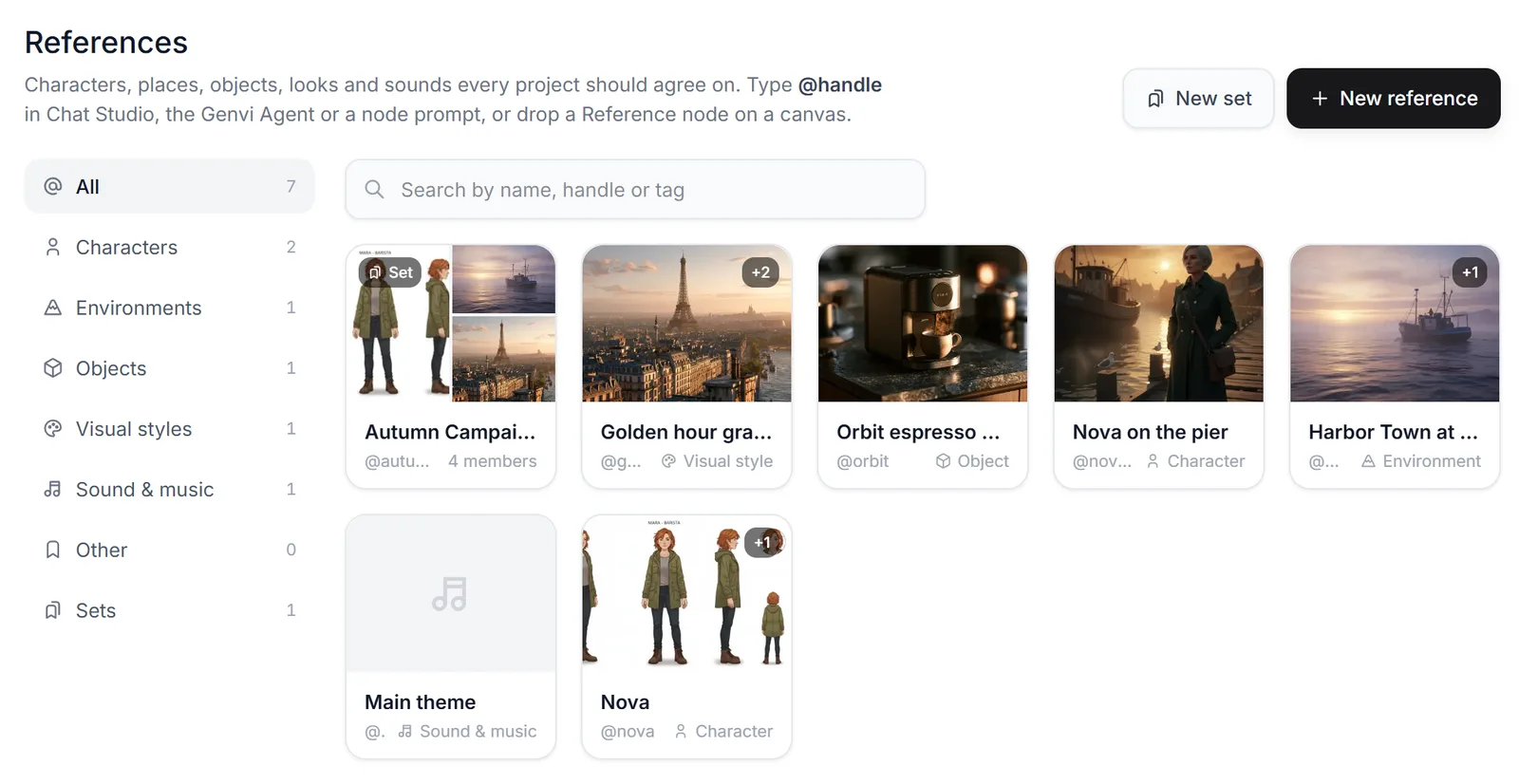
Reference Library
- Save a character, a place, an object, a style or a sound direction once: a name, a description written for a model, and the pictures that pin it down.
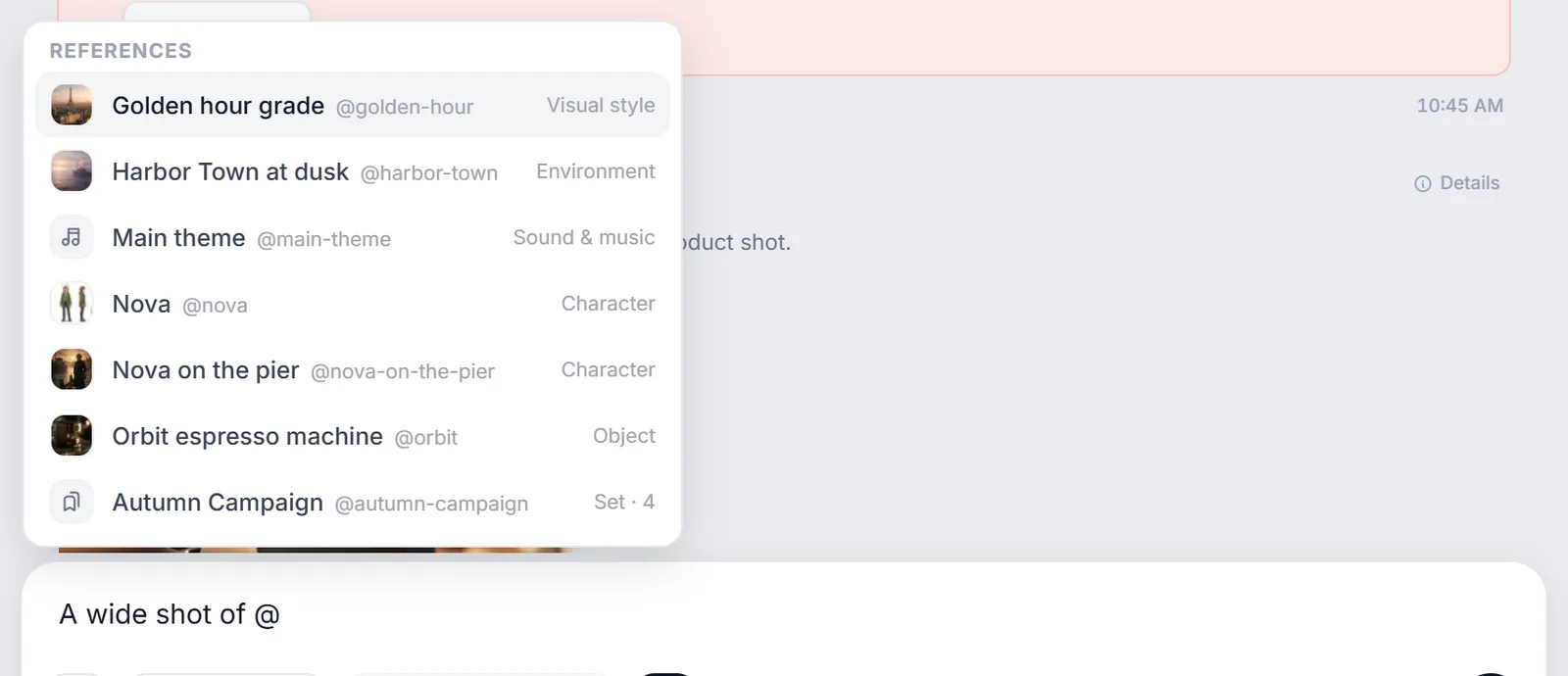
- Type @nova in any prompt box and it becomes that description and those pictures. Every studio reads a mention the same way, and your wording reaches the model exactly as you wrote it.
- Bundle a cast or a product range into a set, and one mention brings all of them.
- Save any generation straight back to the library, then mention it from then on.
Pick your shot before you pay for it
- Ask Chat Studio for a video and it can draft four opening frames first. Pick the one you want and it animates that.
- Four frames cost single-digit credits where a video runs into the hundreds, so a composition you did not want is cheap to find out about.
- None of them right? Generate the video anyway, in one click.
New models, and fair warning before the old ones go
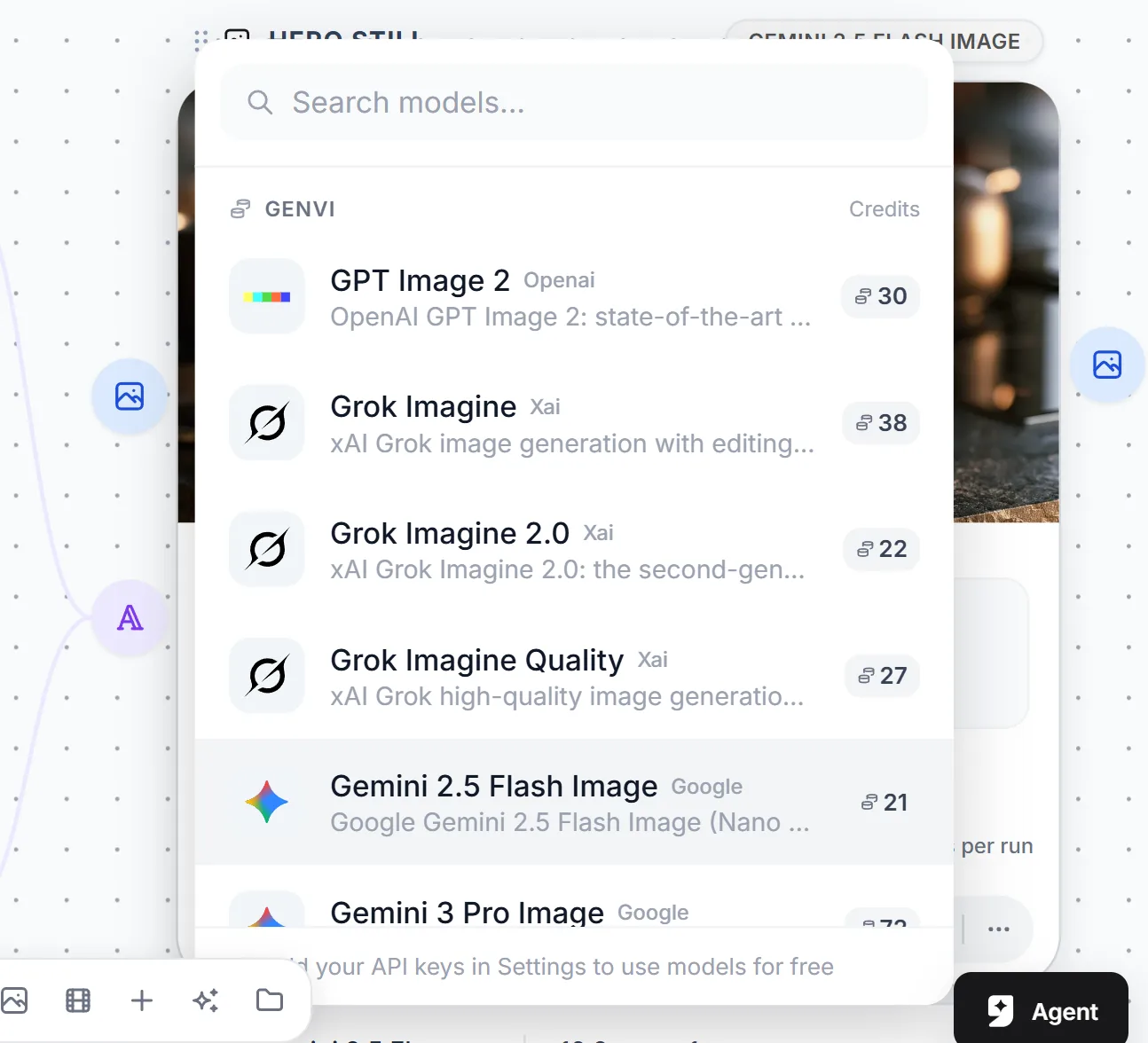
- Added: GPT-6 Astra, Gemini 3.8 Flash, Veo 3.1, Lyria 3.5, Wan 3.0 Prime, MiniMax H3 Max Turbo, Meshy v7 for 3D, and Muse Image, now the cheapest image model in the catalog.
- Models on the way out say so. The picker shows the retirement date and what to switch to, and the node repeats it under the model name.
- When one does shut down, your saved projects keep rendering: we route them to the replacement. The notice exists so the change is never a surprise, because the output does come from a different model.
- Sora has been withdrawn. OpenAI is closing its video API with no successor. Veo 3.1 and Kling v3 Pro are the closest equivalents.
Generated pipelines you can read
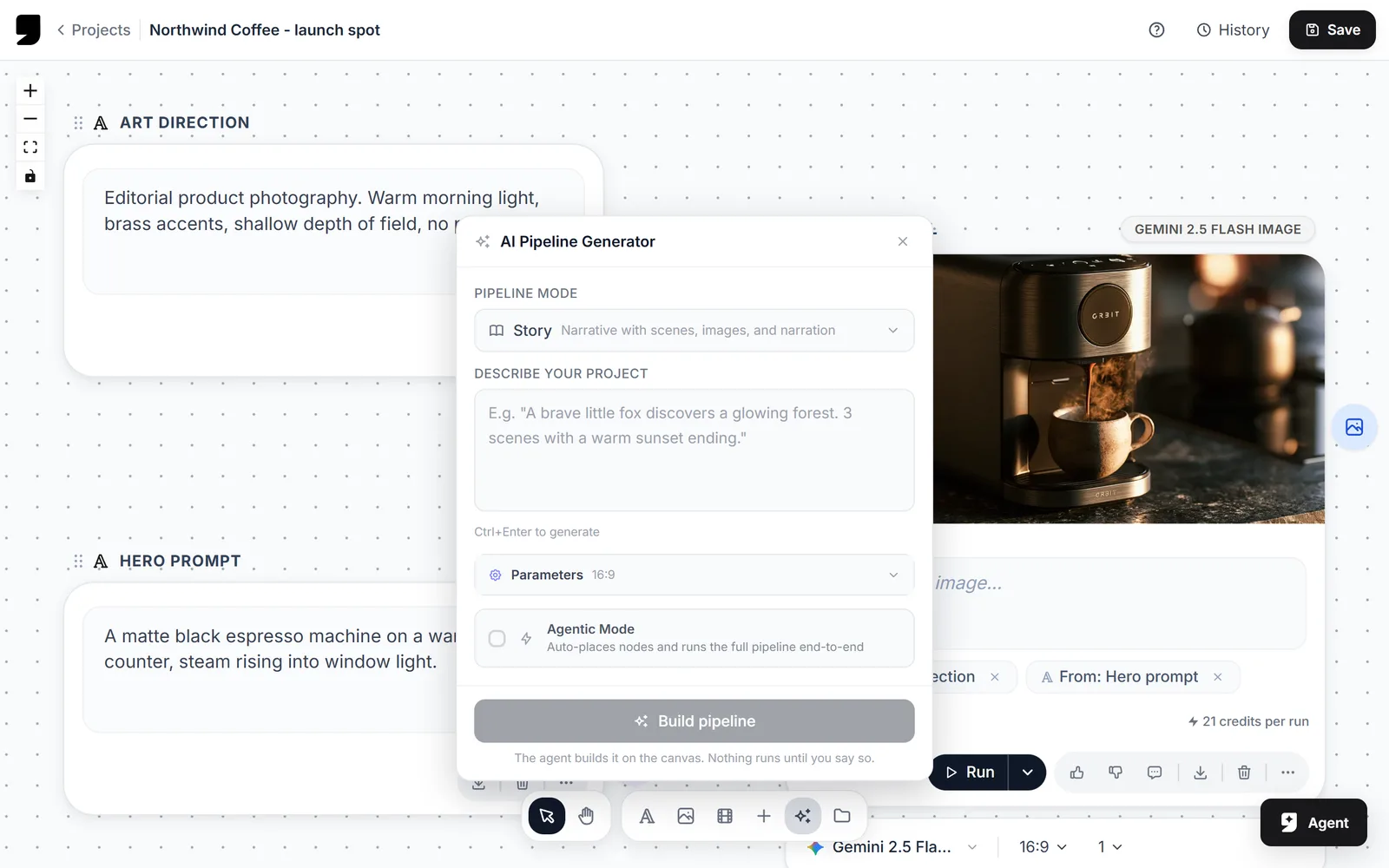
- Ask Genvi Agent for a pipeline, use the pipeline generator, or drop in a template, and the nodes now arrive properly laid out: real columns, room for the wires, nothing overlapping.
- The layout settles once the cards have measured themselves, so it fits the nodes you actually got rather than an estimate of them.
Tools: the small jobs, without an editor
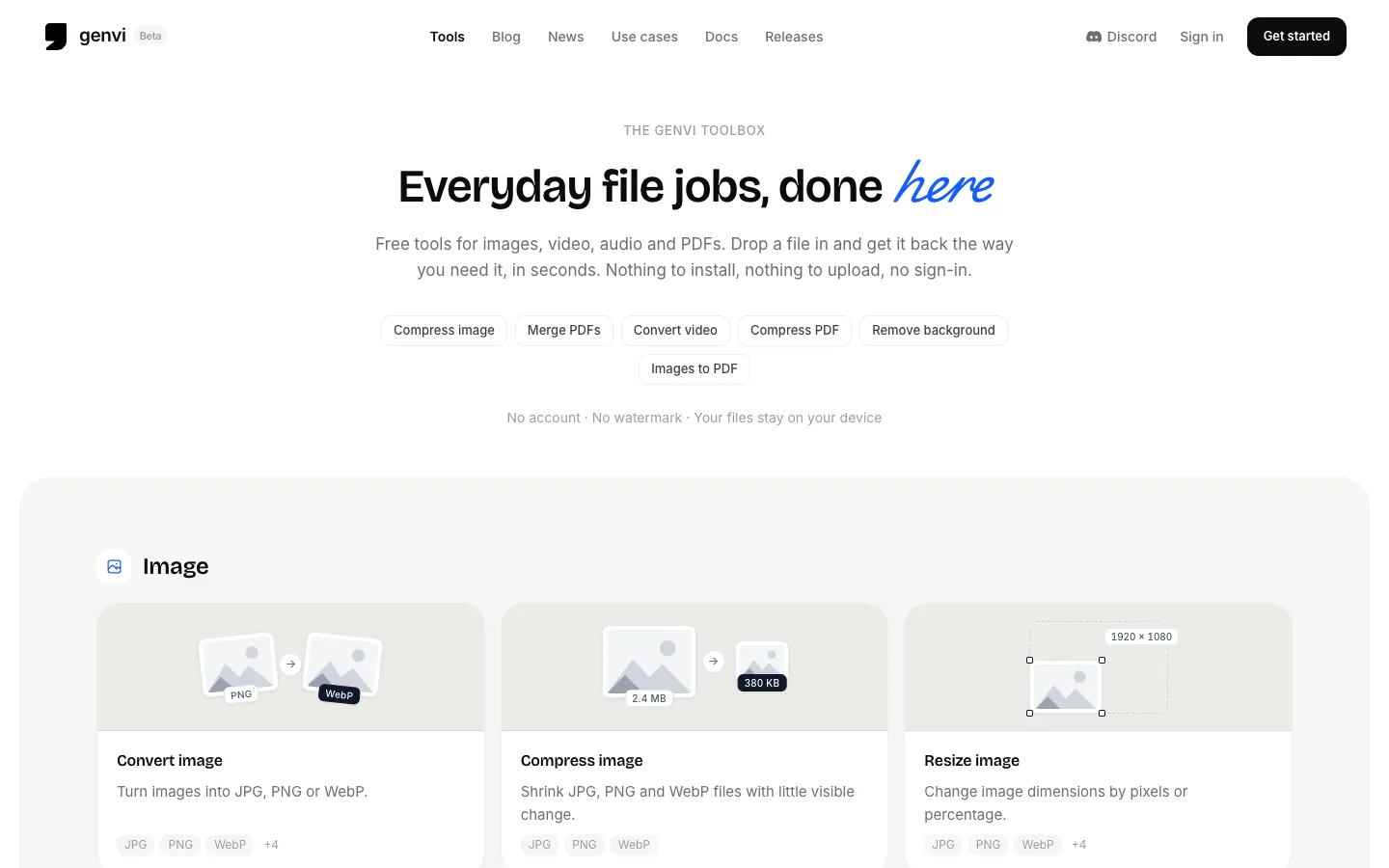
- Convert, compress, resize and tidy up images, video, audio and PDFs from one place under Files. No canvas, no project, no waiting.
- The work happens on your own device. Nothing is uploaded and nothing queues, so a contract or a bank statement never leaves your machine.
- PDFs get the most: merge, split, extract or delete pages, rotate, crop, add page numbers, watermark, compress, and turn pages into images.
- Also here: background removal, a GIF maker, MOV to MP4, trimming for video and audio, stripping location and camera details out of photos, and a ZIP bundler.
- Results go straight back to your files, or download them instead. PDFs are download only for now.
- Every tool has a public page as well, so you can send someone a link to the exact one they need whether or not they have an account.
Fixes worth naming
- Large files upload again. Anything over about 4.5 MB was being refused before it reached us, which is why a big video failed with no reason given.
- Written copy, lyrics and scripts generate properly again on the latest text models.
- Reasoning Level reaches the model again. On every GPT-5 model it was being sent under the wrong name and quietly ignored, so the control did nothing.
- Gemini 3 image resolution is honoured again, so the tier you choose is the tier you get and the tier you are billed for.
- Lyria writes WAV when you ask for WAV. Every render came back MP3 whatever you picked.
- Five models were sending every run to an id their provider had retired or never published, so those runs failed outright. They now route to live models.
- Video length, resolution and background save when you change them, instead of reverting a few seconds later.
How we measure the product
- We now measure how genvi is used, so we can fix what is broken and build what is used. It is first-party only, stored in our own database, and never shared with an analytics vendor or an ad network.
- It sets no tracking cookie, and signed out nothing is written to your browser at all. The cookie and privacy pages say all of it in full.
v0.6
Just say what you want. A new conversational studio turns a sentence into finished images, video, music, voice-over or 3D, and picks the right model for the job so you never have to.
Chat Studio
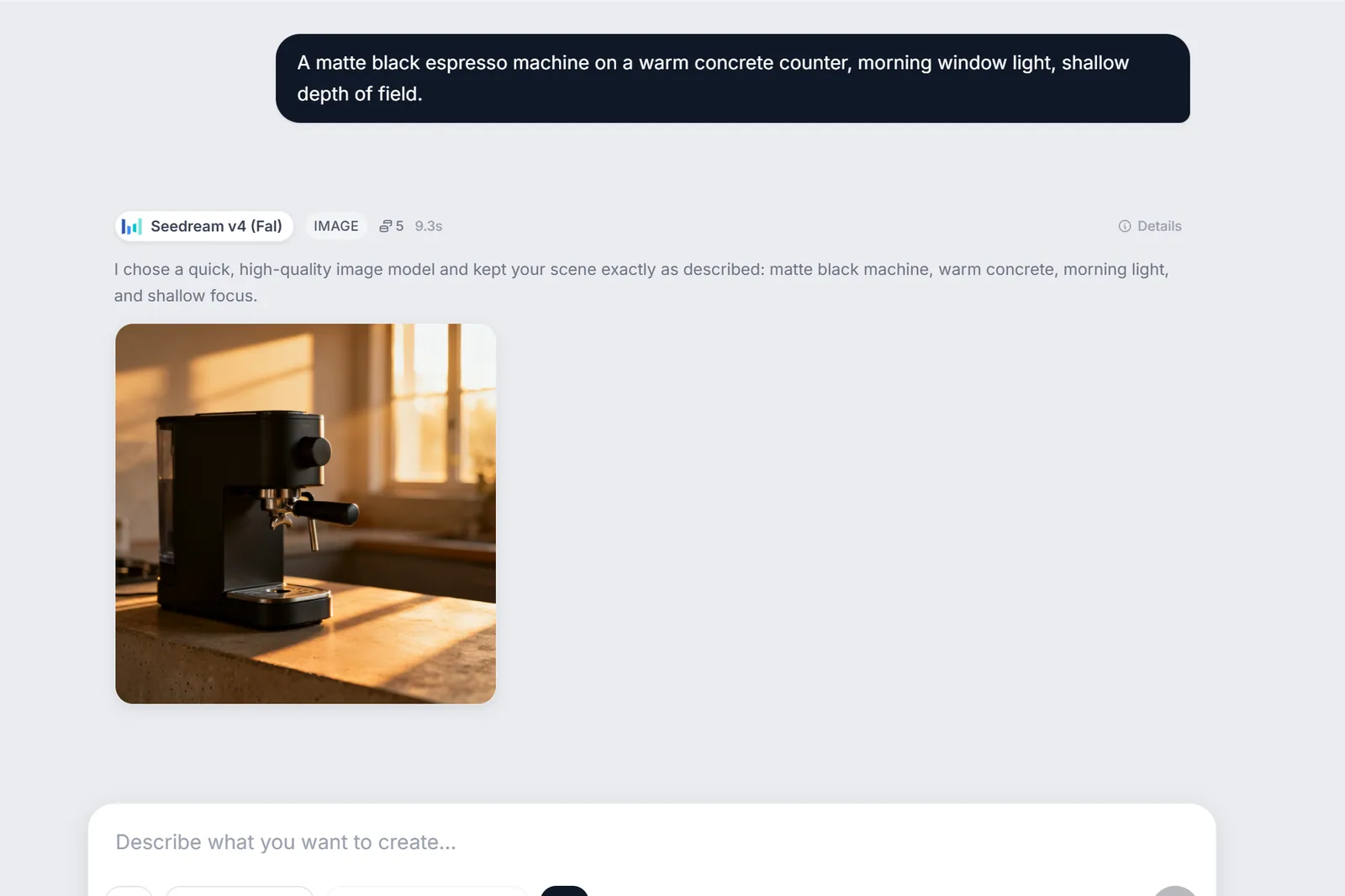
- Say it in plain words and get it back. Images, video, music, voice-over, copy and 3D, all from one conversation.
- No canvas to learn and no models to weigh up. Leave it on Auto and the right one is chosen for you.
- Want to take the wheel? Every model, and every setting it offers, is one dropdown away.
- Not quite right? Just reply. It remembers what you were making, so "make it warmer" is a complete instruction.
- Chase a second idea without losing the first. Branch any message into a chat of its own.
- Keep a whole campaign in one project, where your characters, colours and formats are understood from the start.
Work from your own images
- Drop in a photo to steer the result. Upload it, pull it from your files, drag it in, or simply paste.
- Say how it should be used: the frame a video opens on, a face to keep, or just a look to borrow.
- See exactly which of your images reached the model, before you spend a credit and after.
- Curious what it actually asked for? The finished prompt sits right beside the words you typed.
Fits the way you already work
- Everything you make saves itself to your files, ready to drop straight into the composers.
- Start something and carry on. Generations keep running while you move between chats.
- A calmer, more consistent look across every studio, and controls that work properly on touch.
v0.5
Animate anything on a real timeline, stack videos picture-in-picture, and design with pro-grade text and effects. Now you can do all of it from your phone.
Video Composer
- Animate images, text, video and shapes with keyframes, so you can build motion without leaving the timeline.
- Stack multiple videos at once with picture-in-picture, and mask any layer.
- Ramp your footage with speed curves for slow-motion and time-stretch.
- Apply filters and effects to any track and see them carried straight through to your export.
- Smoother scrubbing and playback, and far more dependable exports.
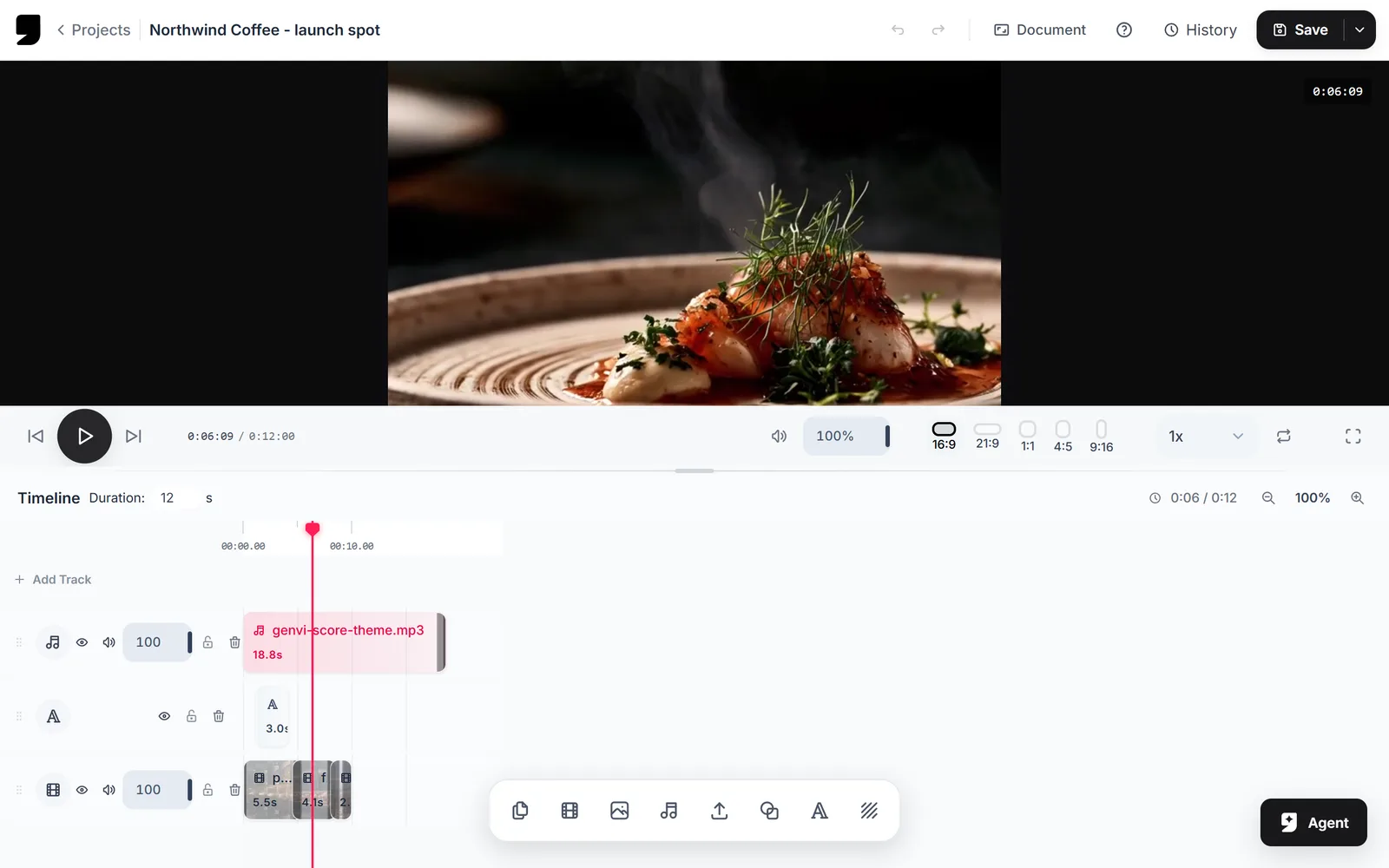
Image Composer
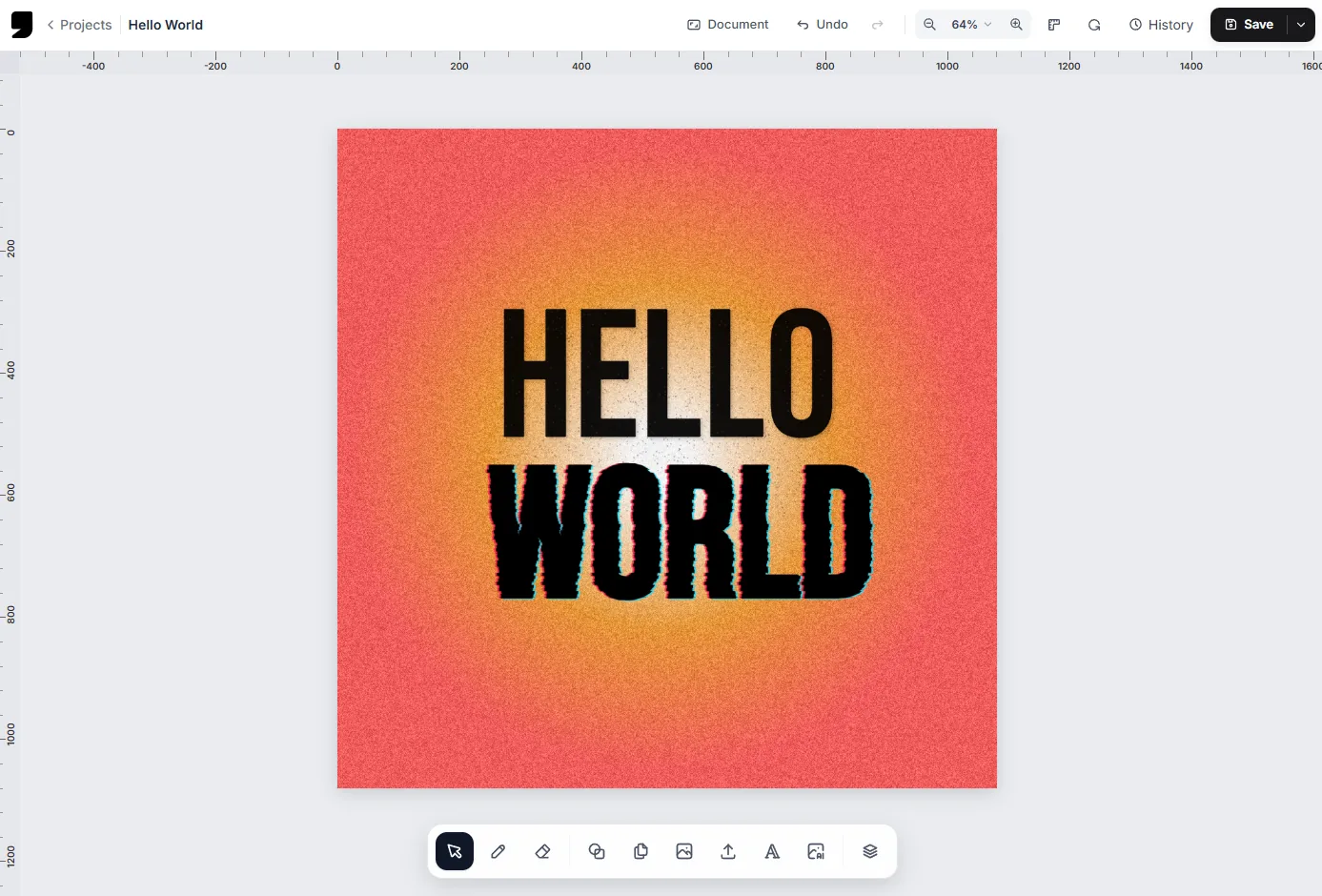
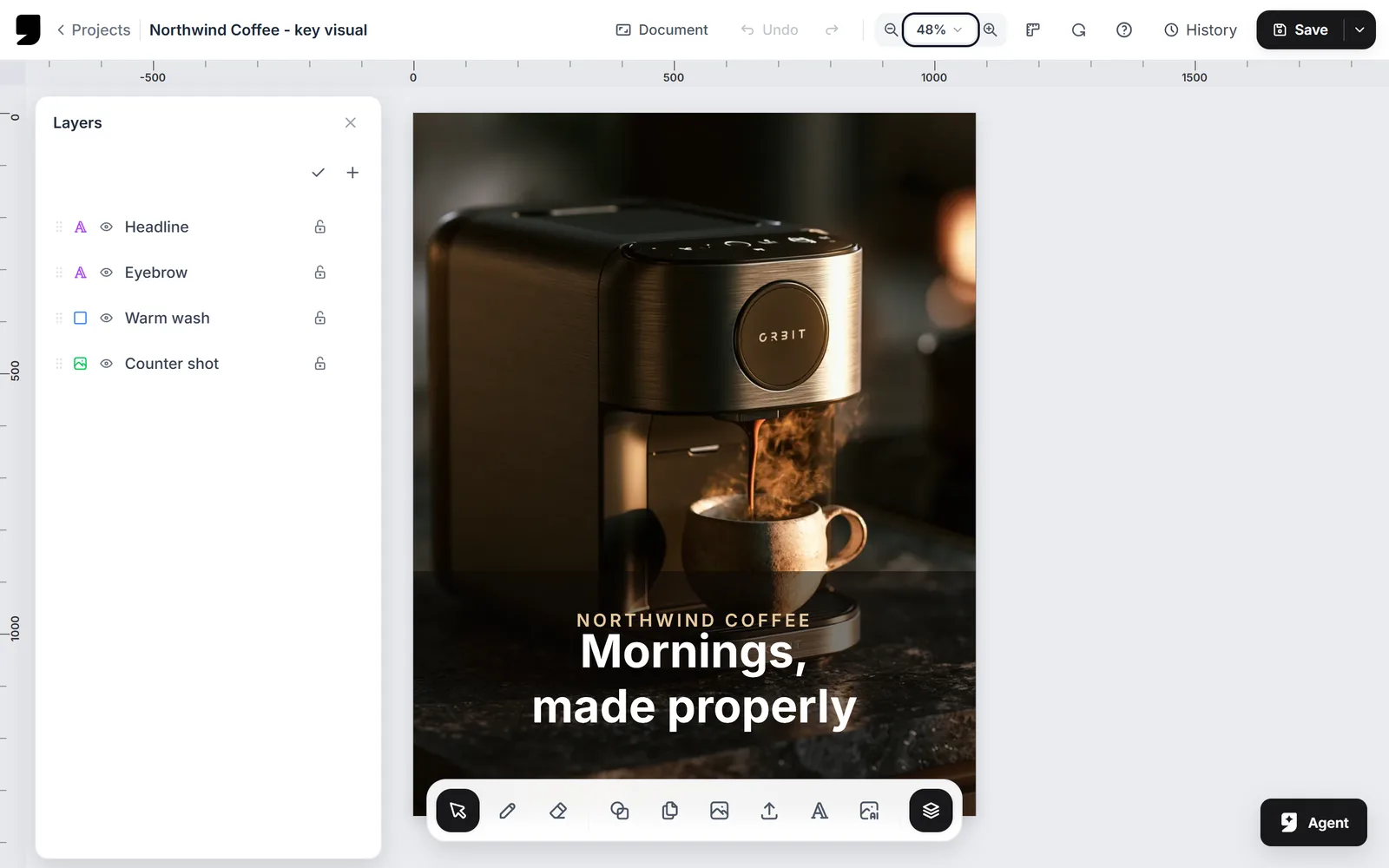
- Lay out copy with text boxes, ready-made text styles and text on a curve.
- Finish images with artistic effects like edge inking, painterly and halftone.
- Mask layers to the shape beneath them and fill with multi-stop gradients.
- Draw with pen, pencil, marker and highlighter brushes that feel real, plus a true eraser.
Whiteboard
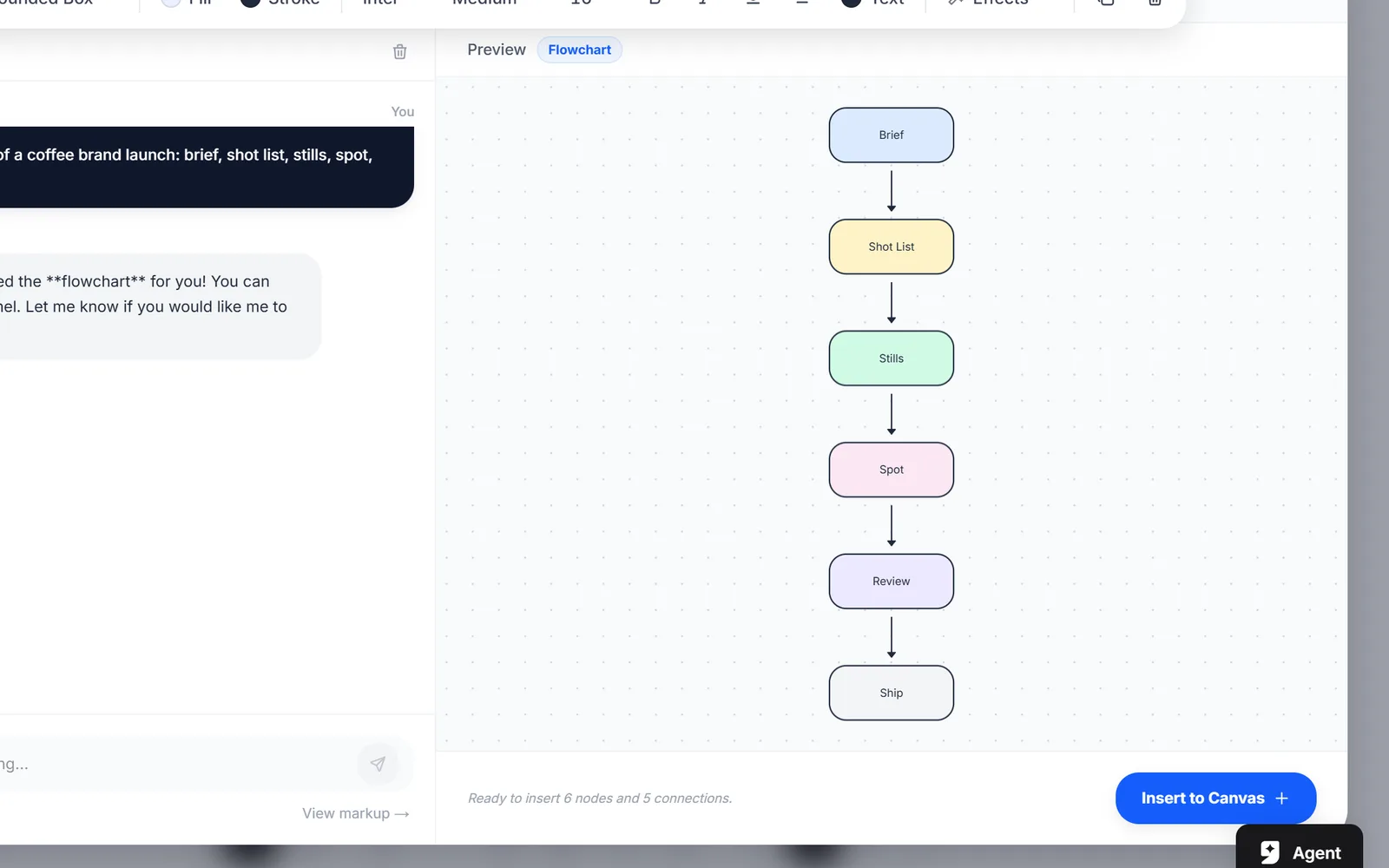
- Drop in GIFs without leaving the board, with search powered by GIPHY.
- Every tool now opens its settings in one panel, so nothing floats over your canvas.
- New objects land in view, ready to edit.
Editing On Your Phone
- The image composer now gives you the same tools on mobile that you get on desktop.
- A video timeline and properties built for touch.
A Cleaner Interface
- One consistent look across every editor, with the same controls in the same places.
- Document settings, zoom and save gathered into a single top bar.
- A redesigned colour picker and sliders throughout the app.
Models & Plans
- Generate several images in a single run.
- New text-to-speech voices you can preview before you commit.
- Subscription plans and credit top-ups.
- Your free monthly credits now arrive on your signup date instead of the 1st of the month.
v0.4
Direct 3D mesh integration, HDRI environment mapping, dynamic orientation heuristics, texture AI projection painting, and real-time team workspaces collaboration.
3D Studio Engine
- Direct integration of 3D studio mode inside node preview elements for fluid viewport editing.
- Support for GLB and GLTF file uploads directly to the repository and canvas.
- Built-in HDRI environment lighting with 7 default 2K maps (Sunset, Studio, Night, Outdoor, etc.) for realistic rendering previews.
- Implemented vertex-based boundary heuristic scoring to automatically calculate front-facing camera coordinates for horizontal and vertical models.
- Added auto-framing 3/4 angled viewport camera configurations for project card thumbnail generation.
AI Texture Painting
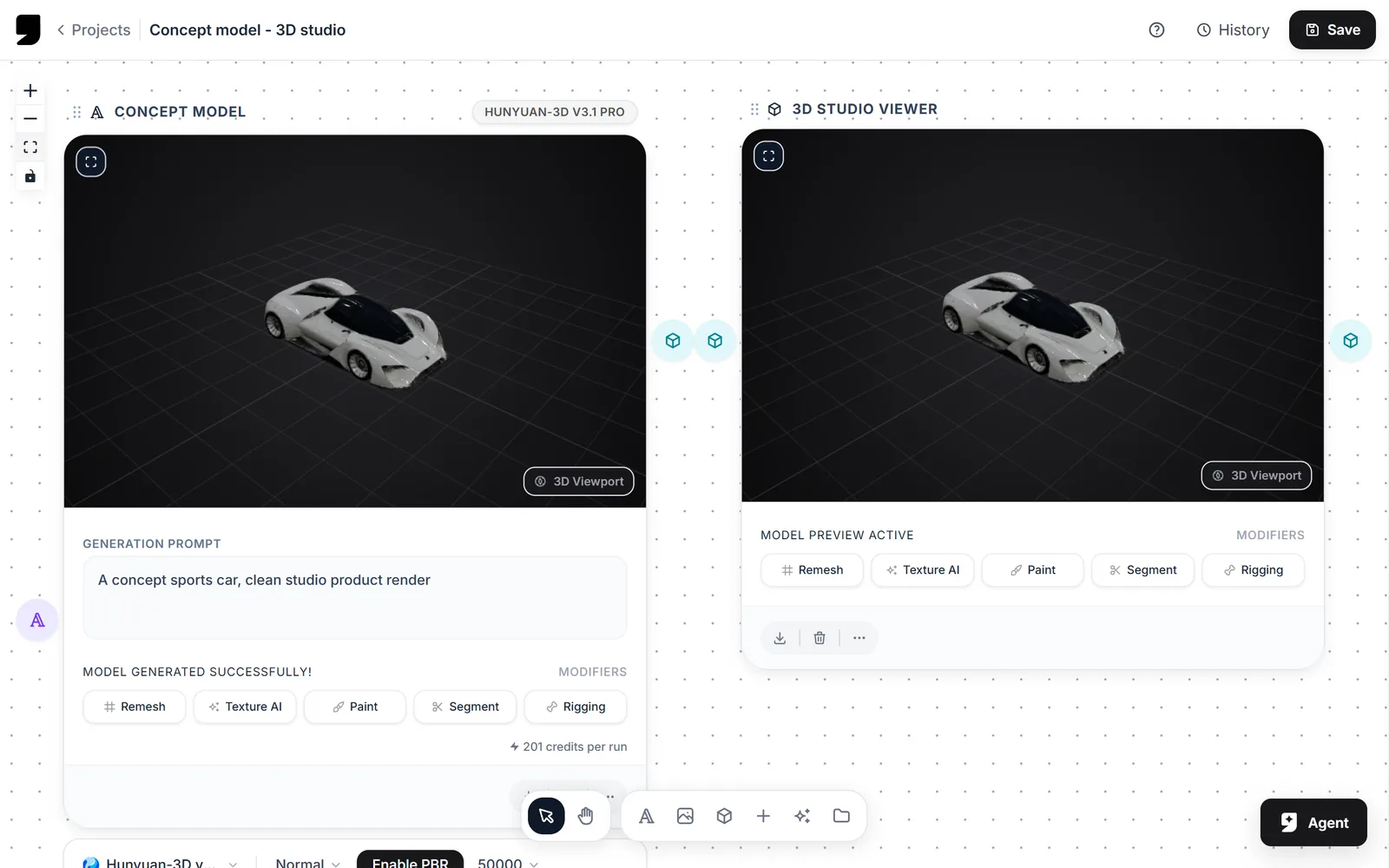
- Implemented AI-assisted projection texturing directly onto loaded 3D meshes.
- Added stencil/brush reset view shortcuts to facilitate seam-free coordinate mapping.
- Resolved UV seam projection bugs that previously jumbled textures on complex mesh maps.
Collaborative Workspaces & Teams
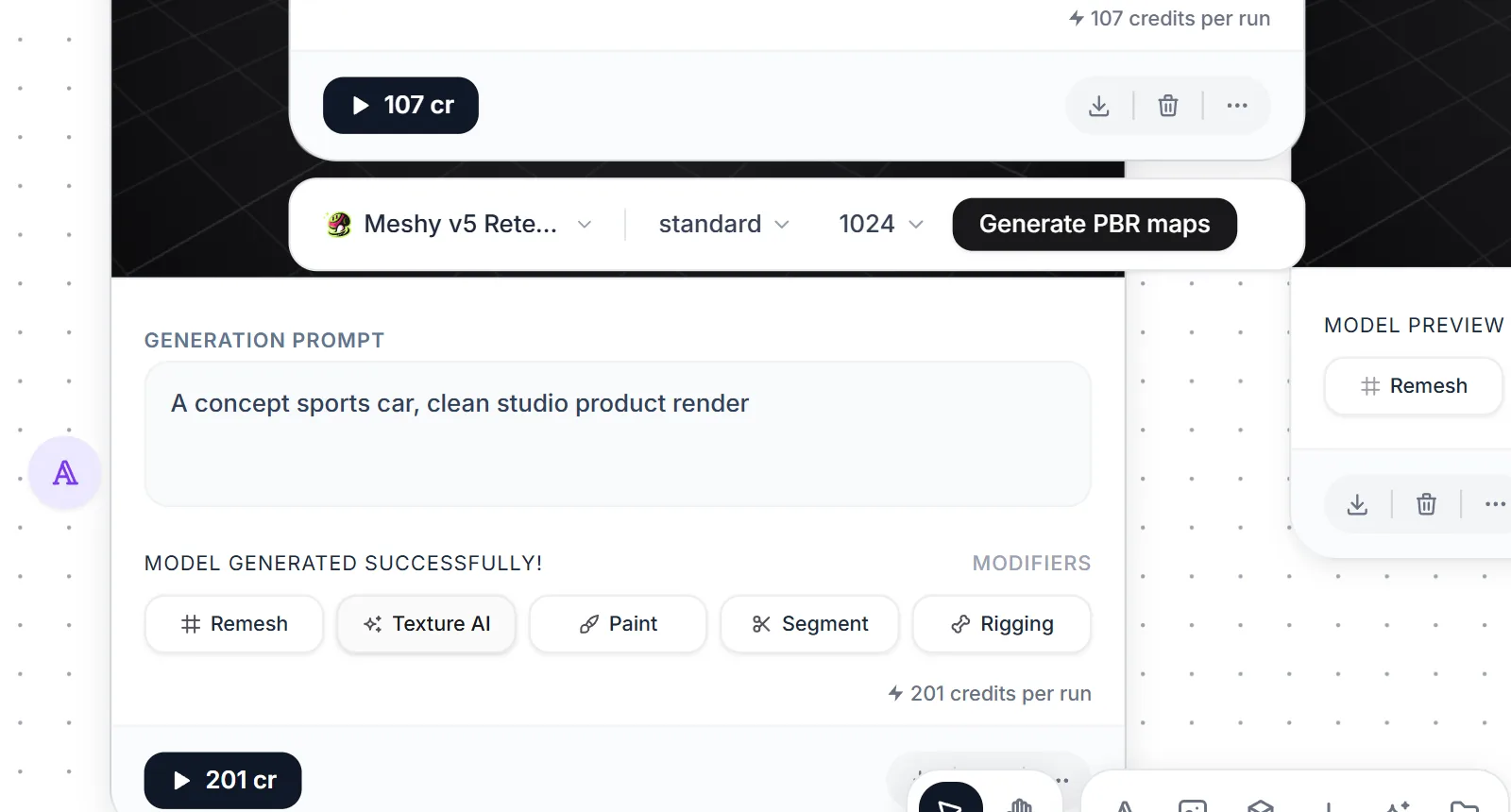
- Implemented team membership authorization logic inside backend database sync wrappers (cloudGetProject, cloudUpsertProject, cloudRenameProject, cloudDeleteProject).
- Enabled multi-user read/write/delete sharing so collaborators can edit projects together inside a single workspace, while preserving original owner metadata.
Admin Dashboard & UI Polish
- Added Credit Config management panel with per-second model run rate configuration.
- Migrated account and pricing settings into overlay modals with glassmorphic backdrop blurs.
- Replaced all default browser confirm/alert dialogue boxes with custom, themed React modals and global toast notifications.
v0.3
Introduction of Project Templates, a publisher permission ecosystem, dashboard skeleton load states, and cache-prefetched tab switching.
Project Templates System
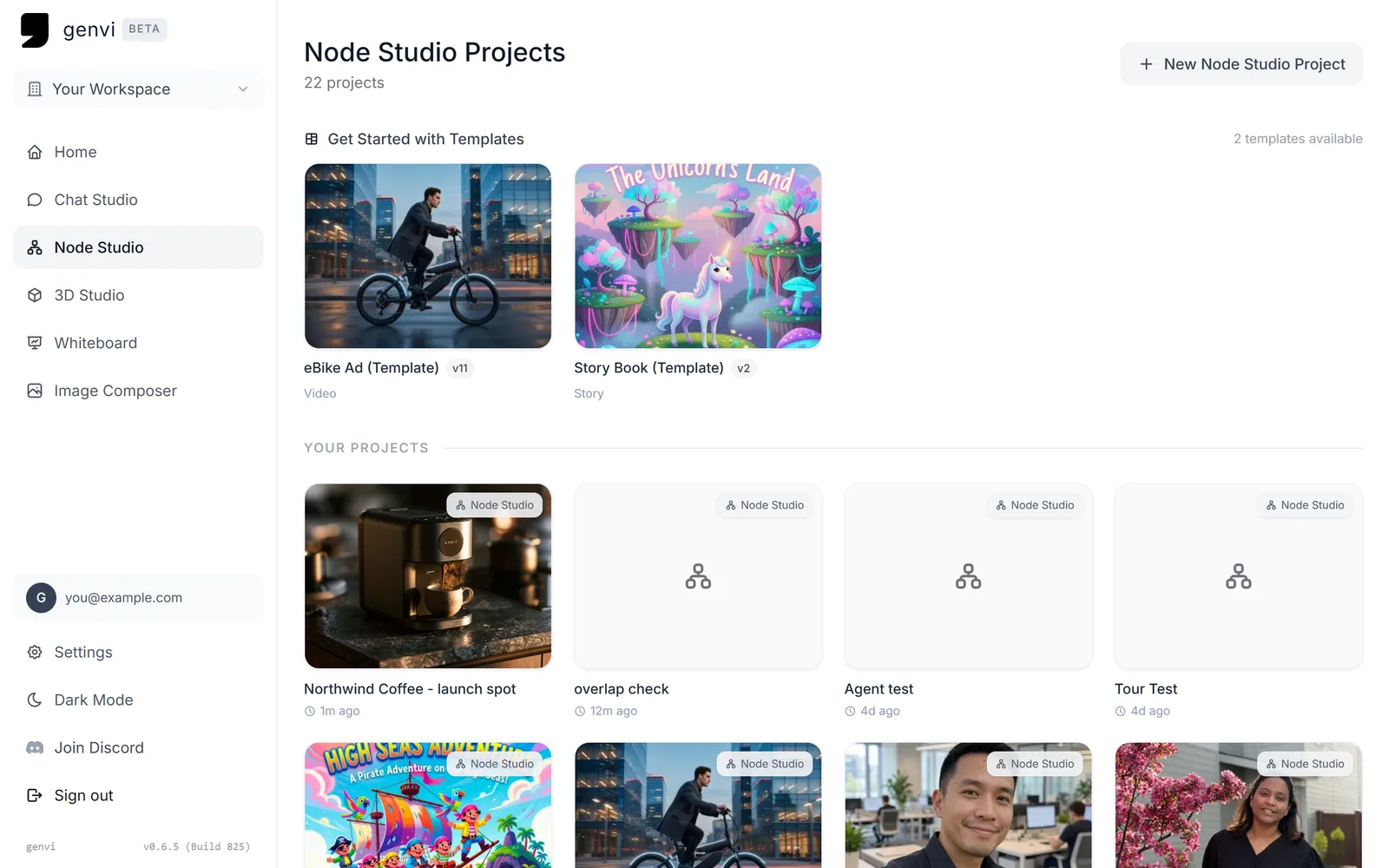
- Migrated template system to published_projects schema to support template versioning and data persistence.
- Added thumbnail file uploads and custom public file pickers in the project publishing modal.
- Added template validation checks for workspace import parameters.
Publisher Access Controls
- Introduced dedicated Library Tab and Publisher management interfaces to control project templates visibility and permission levels.
- Routed cloud filesystem uploads through publisher assets API.
Dashboard Performance
- Implemented dynamic interactive canvas skeleton card loading transitions to replace generic spinners.
- Prefetched template assets on mount for zero-latency, cache-served tab navigation.
- Added URL-based tab state persistence to preserve user location upon reload.
v0.2
Transitioned whiteboard into a robust infinite canvas with drawing overlays, shape tools, and generation indicators.
Infinite Canvas Tooling
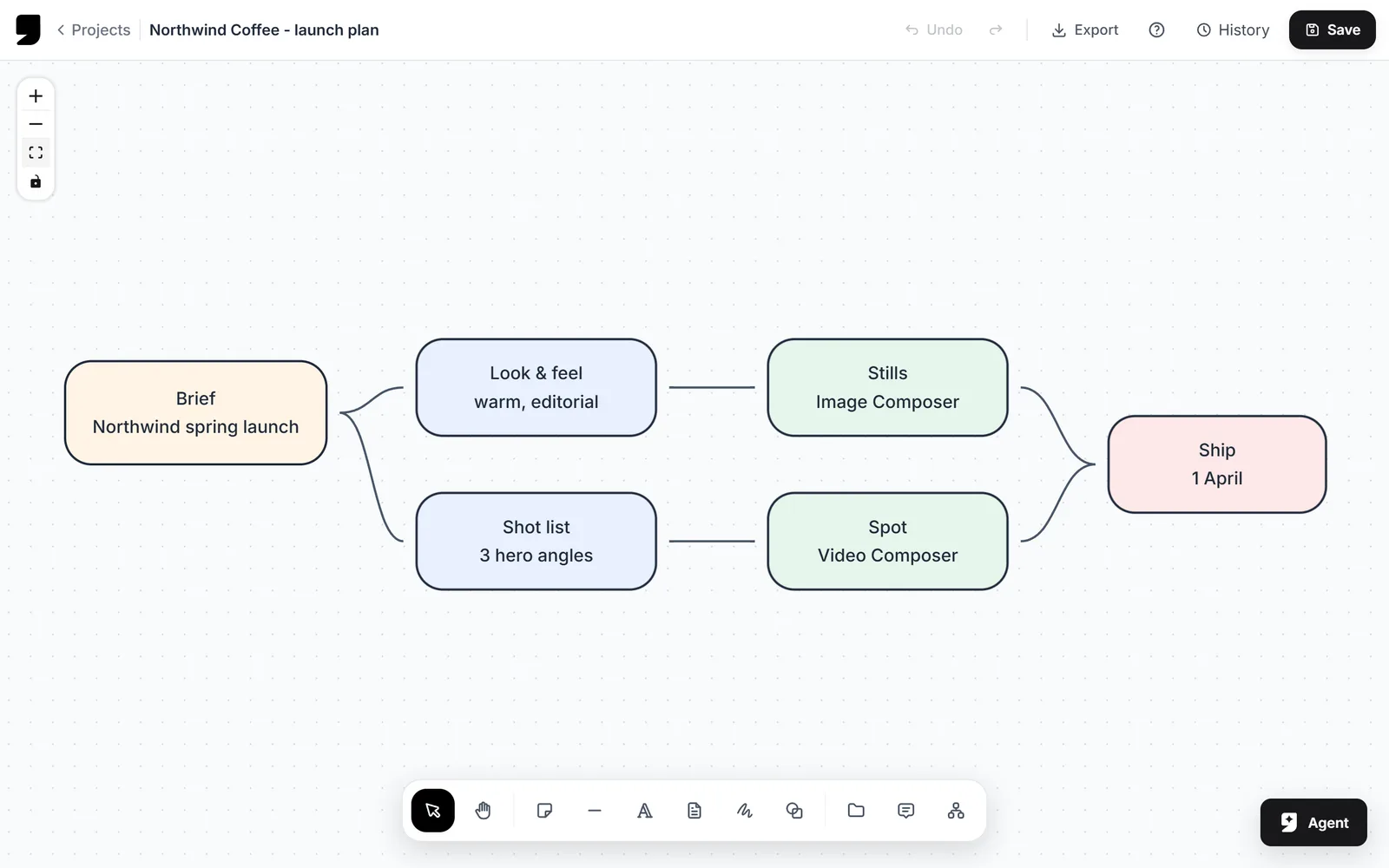
- Implemented infinite canvas selection boundaries with outline handlers.
- Added whiteboard drawing, marker, and highlighter layers overlay rendering.
- Added custom vector shapes, emoji lookups, and rich media embedding directly onto nodes.
UX Improvements
- Fixed note text-editing cursor jumping by disabling active database sync hooks during typing.
- Added synthetic heartbeat progress bars for slow image and video generation queues.
v0.1
Launch of genvi node-based multimodal prompt-chaining platform, video editor, and multi-layered raster editor.
Node Studio
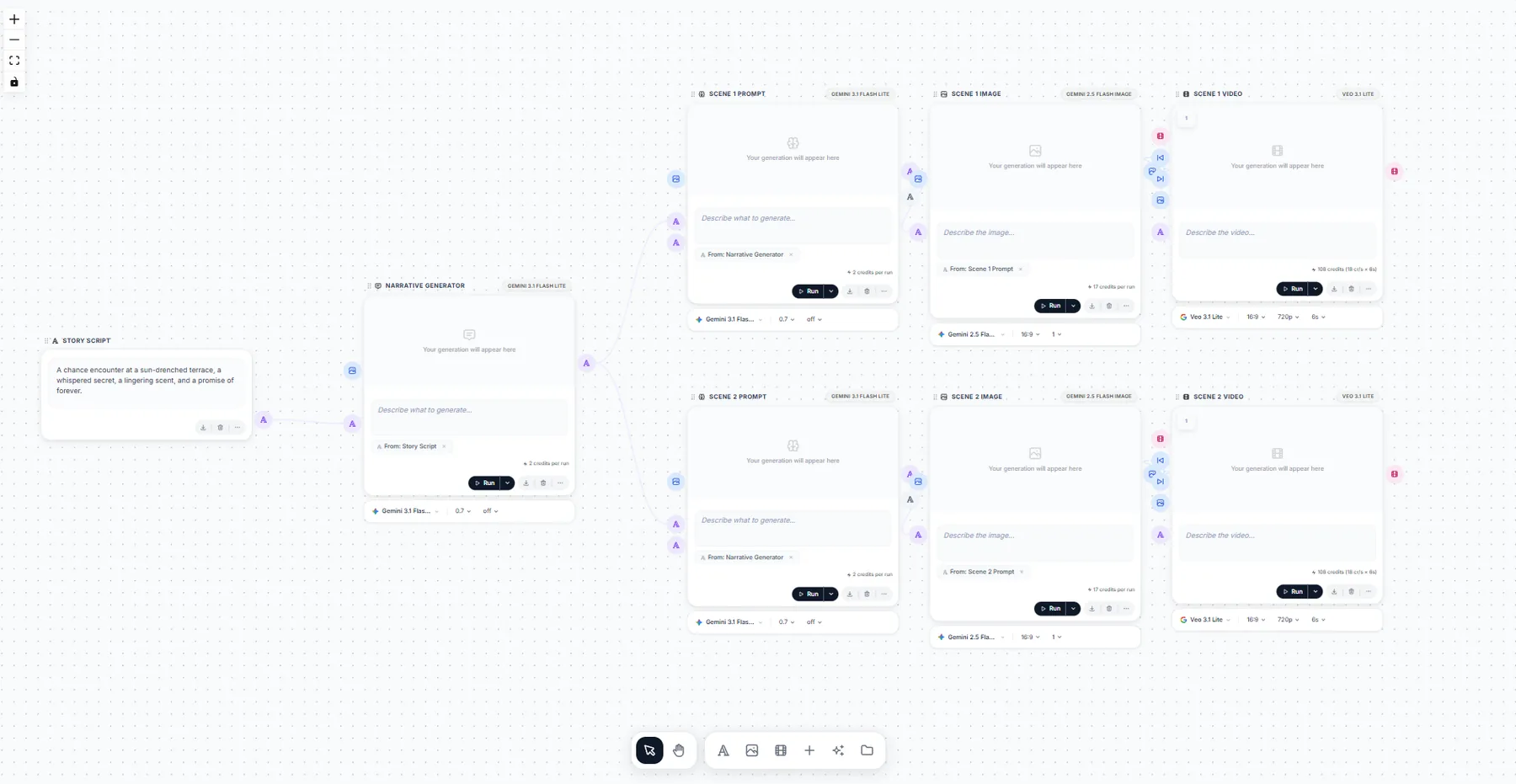
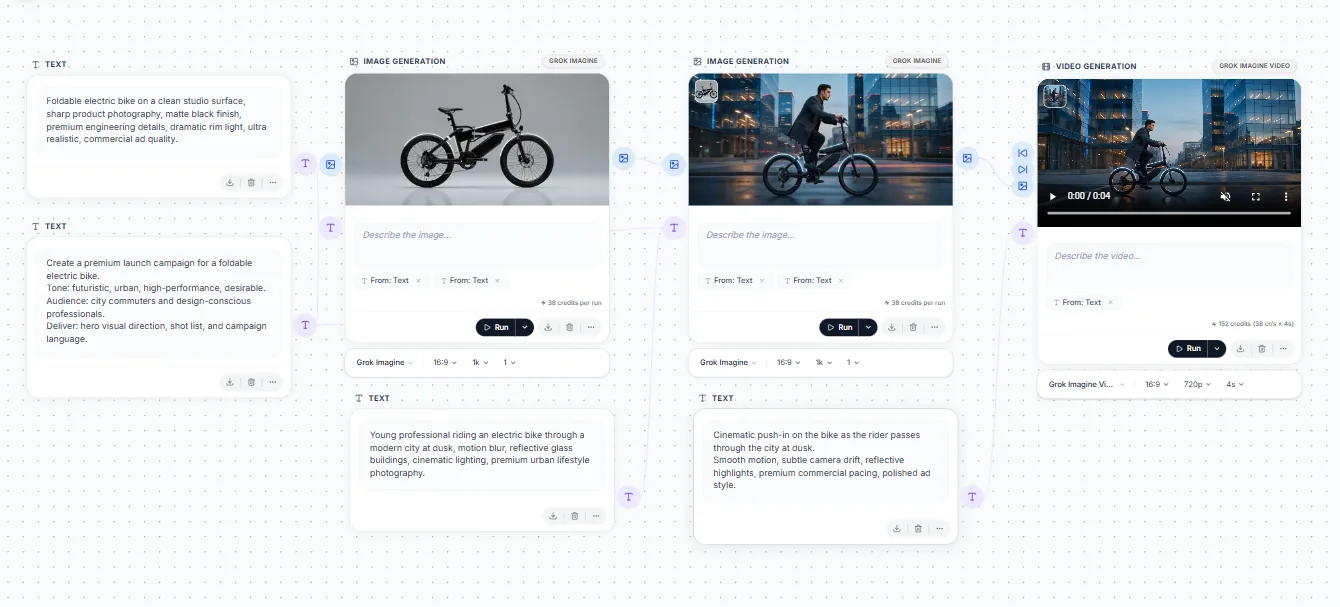
- Implemented node-based visual workflow system to connect text inputs, image generator, and video compiler models.
- Added BYOK (Bring Your Own Key) support so you can use your own AI provider credentials, encrypted with authenticated AES-256-GCM.
Video & Image Composers
- Added Video Composer timeline with multitrack supports, text layers, audio tracks, and resolution properties.
- Added Image Composer with layer nesting, adjustment parameters, opacity options, and custom raster brush controls.